active or idle, so that you can surface this
information to viewers.
When these events happen, you can configure Studio to make a POST request to a
webhook URL that you specify.
Type of stream events
stream.started | The parent stream object’s isActive value is marked as true and the .m3u8 HLS URL works |
stream.idle | The parent stream object’s isActive value should be marked as false and the .m3u8 HLS URL no longer works |
recording.ready | This fires when a recording is ready to be downloaded |
recording.started | This fires when recording has started on an active stream |
recording.waiting | This fires after a stream with recording on has concluded and is not yet ready to be downloaded. Typically it takes 5 minutes for recordings to be ready for download. |
multistream.connected | This fires when we’ve successfully connected to the multistream target |
multistream.error | This fires when we’ve encountered an error either while attempting to connect to the third party streaming service or while broadcasting. |
multistream.disconnected | This fires when we are no longer sending video to the multistream target. |
Set up a webhook endpoint
The first step is to set up a webhook endpoint in your application. This is the URL that Livepeer Studio will send the event to. Learn more about setting up a webhook endpoint.Add a webhook URL to Livepeer Studio
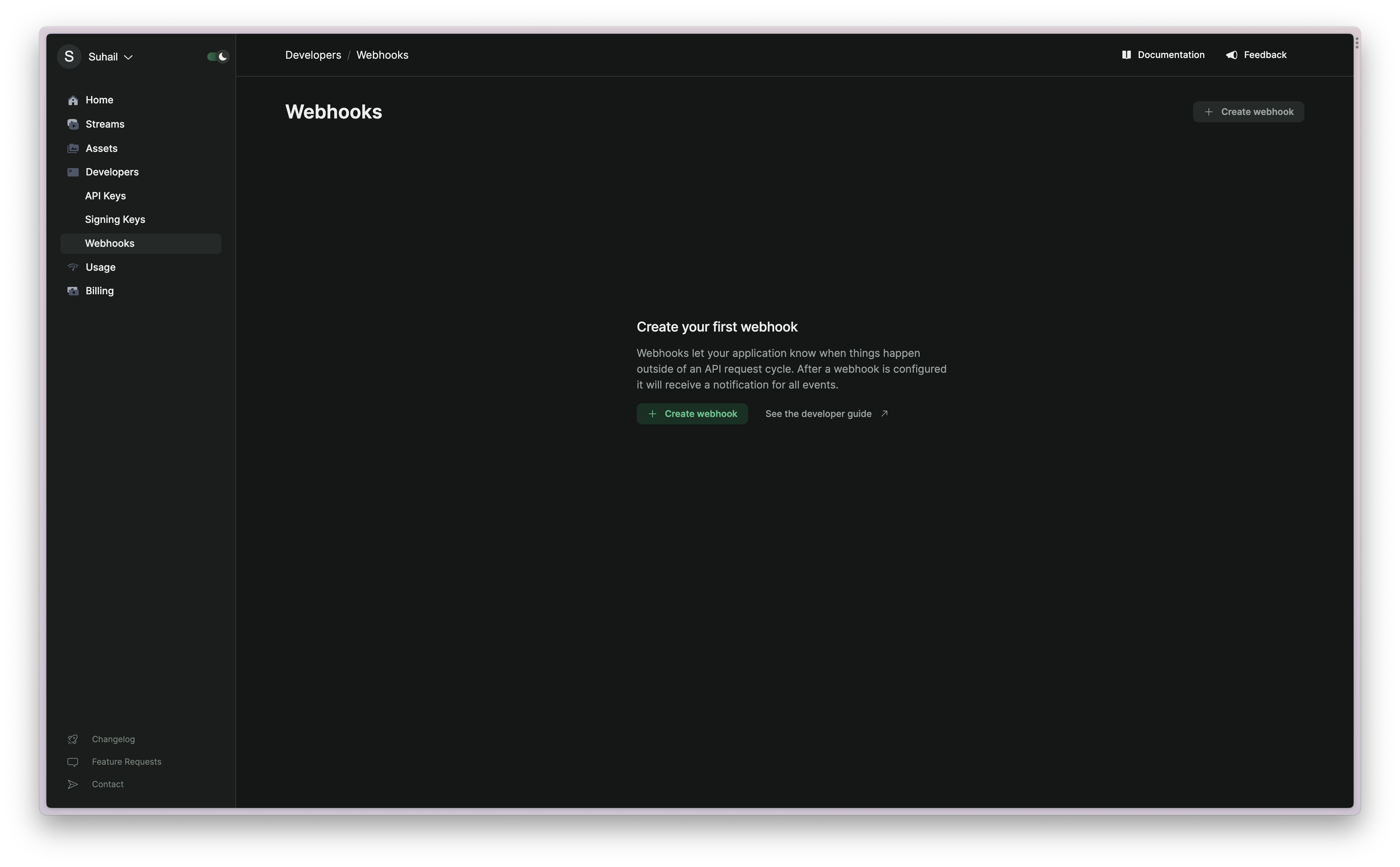
Log in to the Livepeer Studio and navigate to the Developers/Webhooks page.