Follow the steps below to set and configure voting in governance polls with
livepeer_cli. You can do this without exporting keys from the machine on which
the orchestrator node is running.
Voting With the livepeer_cli
Follow the steps herein to access and vote with the livepeer_cli:
-
Find the contract address for the poll in the
Livepeer Explorer page for the poll.
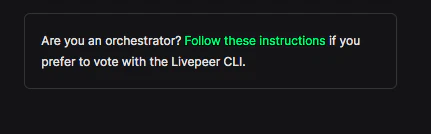
The poll page displays the following message:
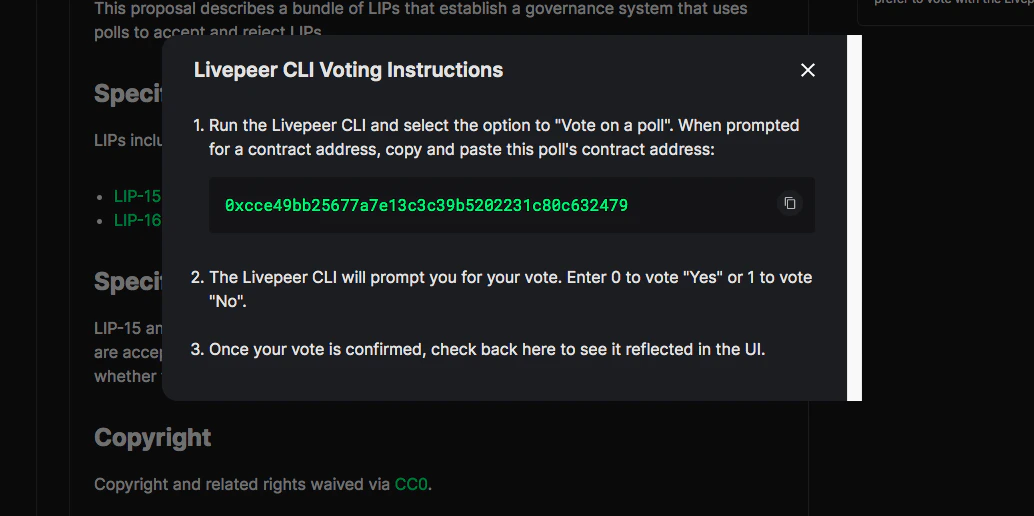
Click the link, “Follow these instructions”, to display the instructions for
voting with
livepeer_cli:
It is important to note the poll contract address for upcoming steps.
-
Run
livepeer_cli
-
Enter the number corresponding to the option to
Vote on a poll
-
Enter the contract address saved in step 1.:
You will be prompted with the following voting options:
-
Choose and confirm your vote
For example:
- Wait for the transaction to be confirmed. You should be able to view your
node submitting the vote transaction.
For example:
- Once the vote transaction is confirmed, you will be able to see your vote
reflected in the explorer poll page of the UI.
Last modified on March 18, 2026


 Click the link, “Follow these instructions”, to display the instructions for voting with